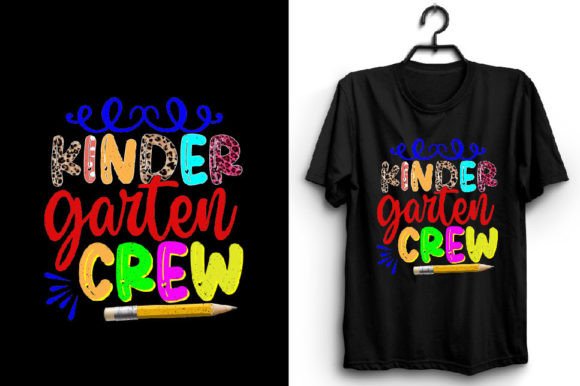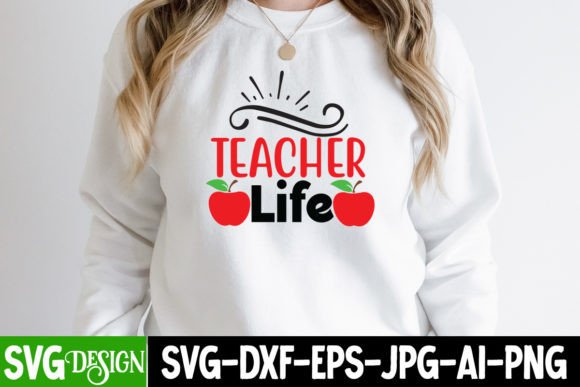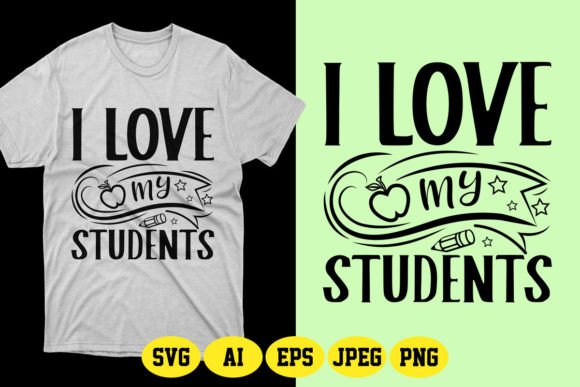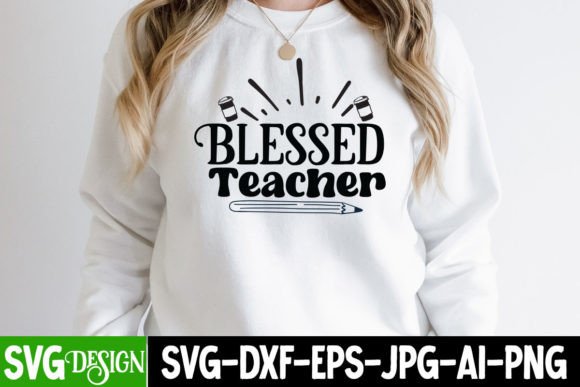
Retro Teacher PNG & Vintage Teacher PNG: Smart Choices for Print, Sublimation, and Creative Projects
If you're designing teacher-themed apparel, classroom decor, or back-to-school merchandise, a Retro Teacher PNG or Vintage Teacher PNG can add instant charm and authenticity. These aren’t just nostalgic illustrations—they’re practical digital assets built for real-world use: sublimating onto t-shirts, printing on mugs or tote bags, layering in Canva designs, or cutting with Cricut (when paired with compatible software). But not all files deliver what creators need—and confusing them with SVGs, misreading resolution limits, or overlooking transparency requirements can cost time, money, and professional credibility.
What You’re Really Getting (and Why It Matters)
A Retro Teacher PNG or Vintage Teacher PNG is a high-resolution raster image—typically 300 DPI—with a transparent background. That transparency means it layers cleanly over photos, patterns, or solid colors without white boxes or jagged edges. Unlike SVGs (which are vector-based and infinitely scalable), PNGs hold detail well at common print sizes—but lose clarity if stretched beyond their native dimensions. This makes them ideal for standard sublimation blanks (like 11×14” or A4 prints) or home inkjet printing—but unsuitable for billboard-sized banners or intricate embroidery digitizing.
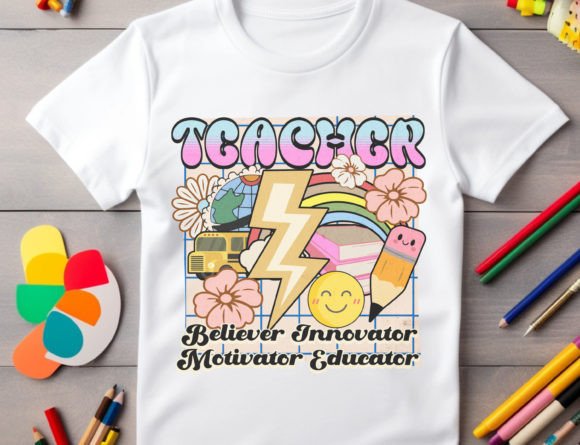
Many buyers assume “vintage” means “old-looking only.” In practice, the best teacher life PNG or back to school PNG sets balance era-appropriate aesthetics—think chalkboard textures, mid-century typography, or retro color palettes—with modern usability: clean lines, balanced contrast, and consistent sizing across elements. A well-designed teacher clipart pack may include multiple poses (writing, grading, holding an apple), seasonal variations (fall apples, winter mittens), or even subtle diversity in representation—not just one static figure.
Common Missteps—and How to Avoid Them
Mistake #1: Assuming “PNG” means “ready for any size.” A 2000×2000 px file looks crisp on a t-shirt front but pixelates when scaled to cover a full hoodie back. Before downloading, check the actual pixel dimensions. For sublimation on standard blanks (e.g., 12×16”), aim for at least 3600×4800 px at 300 DPI—or confirm the seller provides multiple sizes. If you only see 800×800 px previews, ask before buying: that’s fine for social media posts, not for physical products.
Mistake #2: Overlooking file format limitations. This is not an SVG file. That matters if you plan to cut vinyl with a Silhouette Cameo or Cricut Maker—those machines rely on vector paths. A PNG won’t cut cleanly unless converted (and even then, results vary). If your workflow includes cutting, look for bundles that include *both* PNG and SVG—or choose a teacher sublimation PNG optimized for heat transfer instead of craft cutting.
Mistake #3: Ignoring watermark policies. Watermarks protect creators before purchase—but some buyers forget they’re removed *only after checkout*. Downloading a preview with a visible logo and assuming it’s final leads to embarrassing test prints or unprofessional client deliverables. Always read the listing carefully: reputable sellers state clearly that watermarks vanish from the downloaded ZIP, and that delivery is instant via email or account dashboard.
What to Verify Before You Click “Buy”
- Transparency confirmed: Open the preview in any image viewer. Does the background show as checkerboard (indicating true transparency), or is it solid white? If it’s white, the file likely lacks transparency—even if labeled “PNG.”
- Resolution and DPI noted: Look for specs like “300 DPI, 4000×4000 px”—not just “high quality” or “HD.” Vague terms don’t guarantee print readiness.
- Licensing clarity: Can you use it commercially? For unlimited physical products? For digital templates you resell? Most teacher clipart licenses allow small business use, but always double-check restrictions on platforms like Etsy or Creative Market.
- File organization: Does the download include individual files per pose/object—or one layered PSD? For sublimation, separate PNGs save time. For Canva users, individual files let you mix and match faster than editing layers.
Better Alternatives When a Standard Retro Teacher PNG Falls Short
Not every project needs vintage flair—and not every creator works the same way. If you’re building a teacher newsletter or blog post, a single teacher life PNG adds warmth without overwhelming text. But for a full merch line? Consider bundling a Retro Teacher PNG with coordinating elements: chalk-style borders, retro “A+” badges, or handwritten font pairings. That creates visual consistency without licensing headaches.
And if scalability is non-negotiable—say, for a school-wide spirit campaign needing both Instagram stories and yard signs—look for hybrid offerings: a core Vintage Teacher PNG for immediate use, plus access to a vector version (SVG or EPS) as an add-on. Some creators offer this tiered approach; others bundle both formats upfront. Either way, prioritize clarity over convenience.
Real-World Use: What Works (and What Doesn’t)
A freelance designer used a back to school PNG set to create custom t-shirts for a local PTA fundraiser. She chose files with 3600×3600 px resolution and verified transparency before uploading to her sublimation printer. Result: sharp, vibrant transfers on light and dark shirts—no reprints needed.
In contrast, a small-batch entrepreneur ordered a similar Retro Teacher PNG based solely on thumbnail appeal—only to discover the files were 1200×1200 px. When printed on a 14×17” tote bag, details blurred near the edges. She reordered from a different seller with documented specs—and saved more in reprint costs than the initial price difference.
The difference wasn’t taste or effort—it was attention to technical fit. Great design starts with the right asset, not just the prettiest one.
Final Thought: Match the Tool to the Task
A Retro Teacher PNG or Vintage Teacher PNG isn’t magic—it’s a tool. Like choosing the right brush for a painting, its value comes from how well it serves your specific goal: sublimation, home printing, digital presentation, or layered graphic design. Read the specs, test transparency, confirm licensing, and resist the urge to skip the details because “it looks right.” That extra minute upfront prevents hours of revision, wasted materials, or disappointed customers. And when you get it right? That warm, nostalgic teacher illustration doesn’t just look great—it works seamlessly, reliably, and professionally—every single time.